The beautifully crafted LS1r remote control is a great addition to the LS1 monitor system. It features volume control, source selection and mute, just with one large dial. Two extra digital audio sources can be connected directly to the remote. When placed at a distance, a regular IR remote may be used for wireless control.
Every LS1 set comes with a LS1 control cable that facilitates connection to a Windows or Mac PC. With this cable, the LS1 remote software can be used to setup and control the system.
Alternatively the, separately sold, LS1i USB Interface can be used to setup and control the system. The LS1i can also be used as generic USB audio interface by people that need a high performance two channel digital audio interface. Mac’s have native support, PC’s require a special driver which is available in the download section.


Related Products

LS1 Remote Features
- switches for analog and digital sources
- volume, mute and dim functions
- USB interface for Mac, PC and Linux audio playback
- access to all LS1 parameters for setup control
LS1 Remote Downloads
- Read the LS1 manual pdf
- Download the LS1 remote software for Windows, Mac or Linux
LS1 Reviews
- Rediscovering music with the LS1 and MU1
- LS1 unveils everything
- Norwegian reviewer blown away by the LS1
- Taiwanese reviewer sings the praise of the LS1
- An impressive testimonial
- “Fine art in loudspeaker design”
- ‘Best sound of show’ in Munich
- Innovation Prize 2014 for LS1
- LS1 receives Writers Award 2014 from PFO
- LS1: “The World’s Best Complete Audio System”
LS1 News
- Infrared remote for MU1, MU2 and LS1r
- Complete makeover of LS1 firmware and software
- 20 years Grimm Audio: Wessel Oltheten
- HVT: LS1 and MU1 are iconic products
- Introducing: LS1 Nano legs
- Third Grammy for Al Pryor
- LS1 update and upgrade options
- Major LS1 Remote Software update
- LS1 in Concertgebouw studio
- LS1 Sketchup model
LS1 Remote Photos


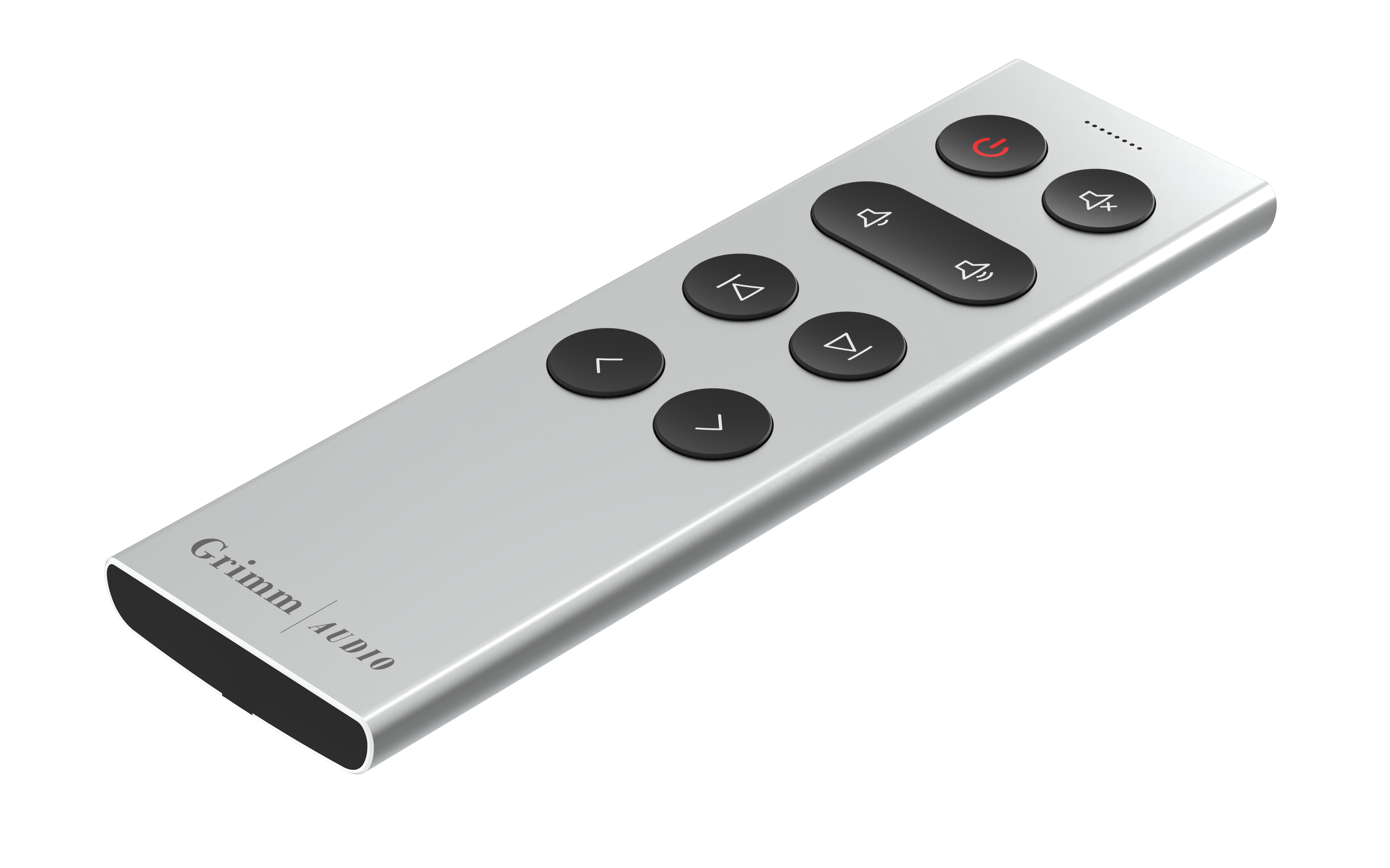
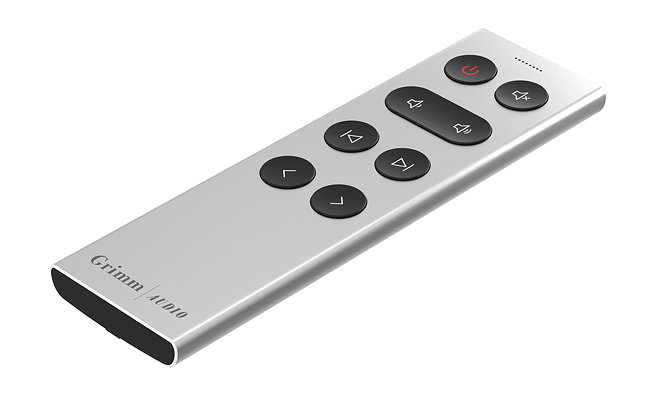
Other products...
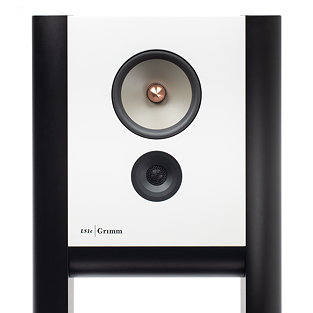
LS1c
The LS1c is our 'next generation' flagship audio system that sets a new reference.
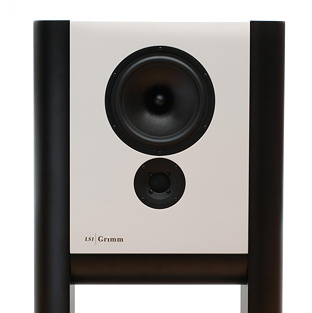
LS1a
The LS1a is the most economical version while still maintaining most of the design qualities of the LS1 series.
LS1v2
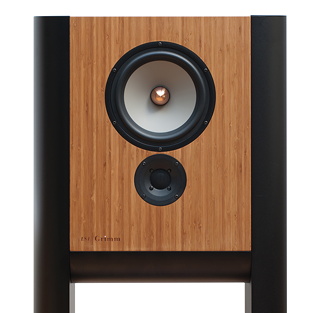
The LS1 is not just a loudspeaker, but a complete audio system that only needs an analog or digital line source to perform.
